5 Guidelines for working with AI - from a Webflow Agency Owner
As a Webflow agency owner, people regularly ask me about how I feel about AI.
“Are you worried about it taking your job?"
“How are your clients using AI?”
“Can Webflow compete with all these new AI tools?”
Here are my current, high-level thoughts on AI; and the guidelines that I’ve been following for my agency.
1. No AI-generated messages to clients
With a few minor exceptions, I do NOT want any of my thoughts to be filtered, changed, or garbled by AI. My clients are paying me for my brainpower and my unique perspective.
This includes articles and social posts. If I didn’t want to spend time writing it, how can I ask you to spend time reading it?
I will allow AI notetakers like Granola or Gemini etc, and I’m ok with sending those summaries along to clients. I’m also ok with recording Loom videos and then sending the transcripts to AI for further buildout.
Training resources (that may or may not be read) are fair game for AI summarization & augmentation. However even with these byproducts, the base “ingredient” is my own writing or speech. I’m not just telling the AI to “generate a document that explains X workflow.”
2. No priorities set by AI
I don’t want any AI tools generating daily summaries, client updates, “what to work on today” or anything of the sort.
My own brain is a far superior tool for allocating my effort. Who KNOWS what context the AI tools are missing. The computer only knows what it’s been told, and it only DOES what it’s been told. So in sense, I’m relying on a past version of myself to tell my current self what to work on - which I don’t care fore.
AI bringing meeting notes and context forward (again, Granola) is slightly useful but still often incorrect; so I never want to fully rely on it without applying my own thought as well.
3. Verify output
One of my first experiences using the Claude MCP with Webflow was using Claude to format and upload addresses to the CMS. The client noticed a bunch of mistakes and I had to apologize for the sloppy results.
The AI will always say, “Oh yeah I totally did this right!” However it doesn’t actually KNOW if it’s right, it just knows if it did what it thinks it was supposed to do.
I’ve had success spinning up a second AI thread and saying, “Check to make sure this spreadsheet matches these CMS items.”
4. AI is not your equal
My business coach said he likes to think of how AI works in the Star Trek universe. The crew can say, “Computer” and then ask a question or give a command. The Computer is not a character and not on-par with any of the crew in the hierarchy.
That’s how I’ve been thinking of these tools. I summon them to do my bidding and then dismiss them. They don’t have feelings, they don’t care about manners. I am a divine being:
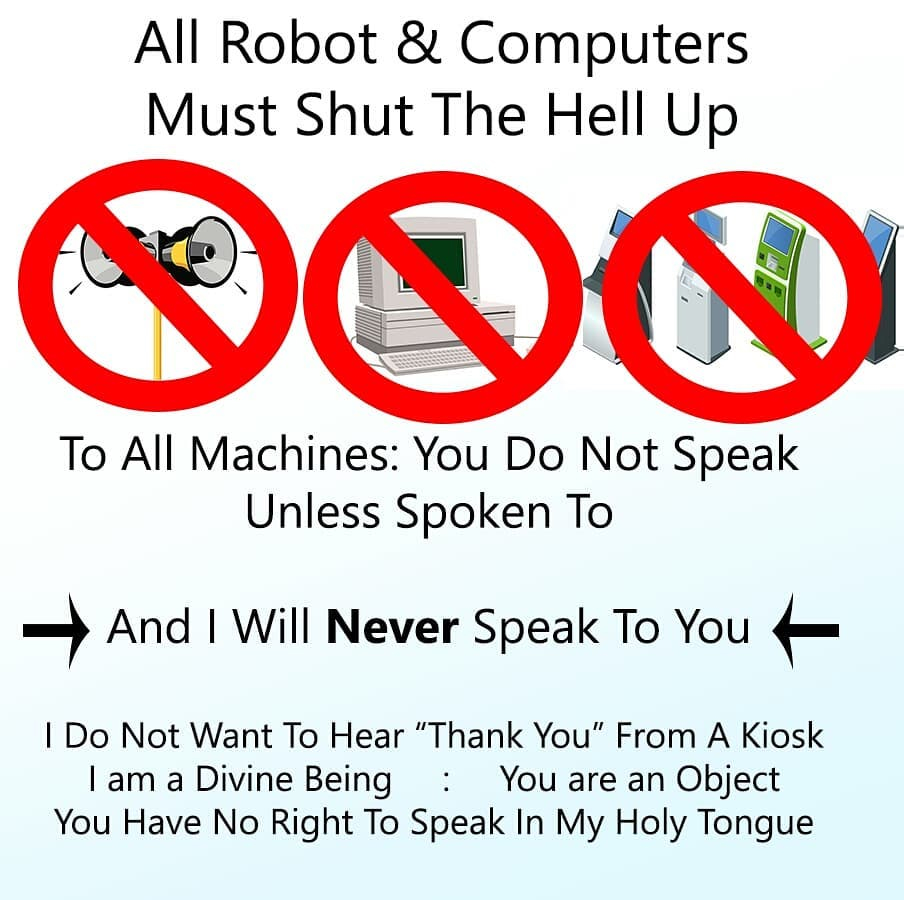
5. Don’t turn off your brain
Perhaps the most important rule. AI can definitely do tons of useful things but I firmly believe it cannot truly think like a human. It obviously can’t see outside of it’s little bubble, but it doesn’t truly connect the dots or plan ahead either.
AI can’t accurately evaluate two options and then make an informed decision; it mostly just “hedges” and gives safe options. Human experience can say, “Definitely don’t choose option B, I did that once in this situation and here’s what went wrong.”
In summary
AI is the biggest technological force since the invention of the internet. It’s a force of creative destruction; eating up jobs but also creating new opportunities.
Additionally, there’s a psychological and even spiritual component to this technology. It can influence your thinking and it can insulate you from criticism & reality.
Maybe I’ll look back in 6 months and recant everything I’ve written here, but for the past 6 months, these guidelines have worked pretty well for me.